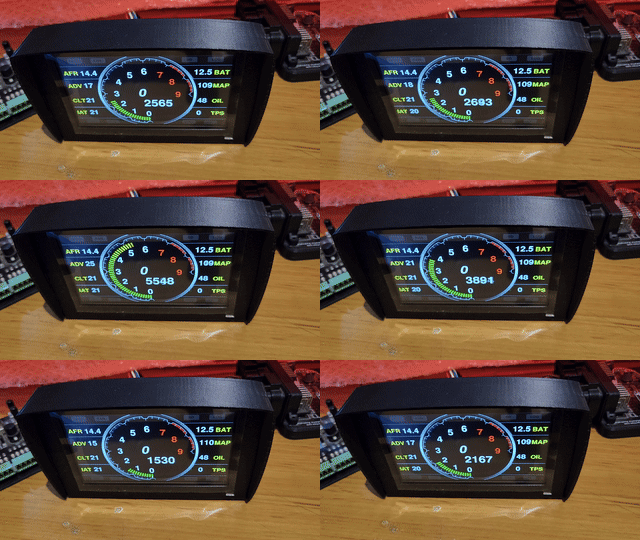
EFI DISPLAY FIRMWARE
PRO DISPLAY
INSTALLER.
Select the firmware package that matches your display and CAN protocol.
After selecting an option, the installer button will appear below.
How to update: connect the display to USB, choose the correct firmware below,
then use the connect button at the bottom of the page.
Beta
Discovery Can
Install Discovery and see whats on your can bus. Lists Can addresses and tracks byte changes.
Use it to discover RPM,TPS,CLT etc on unknown can protocols using your display.
You need to update the can bus controller on you dash before using.
BETA
User Graphic Customisation — Layout 3
CAN protocol selected on screen. Graphic background support with configurable gauge
placement, size, ring display or numeric display.
BETA
MultiCAN
CAN protocol selected on screen. Includes odometer, KM/Miles,
Celsius/Fahrenheit and Bar/PSI/KPA options.
NEW
Universal CAN Addresses
Program up to 24 of your own CAN addresses.
Haltech CAN
Pro Display v0.4 firmware with Haltech CAN protocol enabled.
LINK CAN
Pro Display firmware configured for LINK ECU CAN protocol.
EMU CAN
Pro Display firmware configured for EMU CAN protocol.
Ready to Install
Select a firmware option above and the Web Installer button will become available.